Subs For Pools offers two pool categories: geometric, which is clean lines and classic angles, and freeform, which is curves, flow and organic shapes. Once you choose a category, you'll see 10 different shapes that match your selection.
That makes
geometric vs freeform pool one of the first decisions in the custom pool design process. You do not have to figure out the entire pool at once. Start with the overall style, compare the shapes available within that category and build from there.
What is a geometric pool?
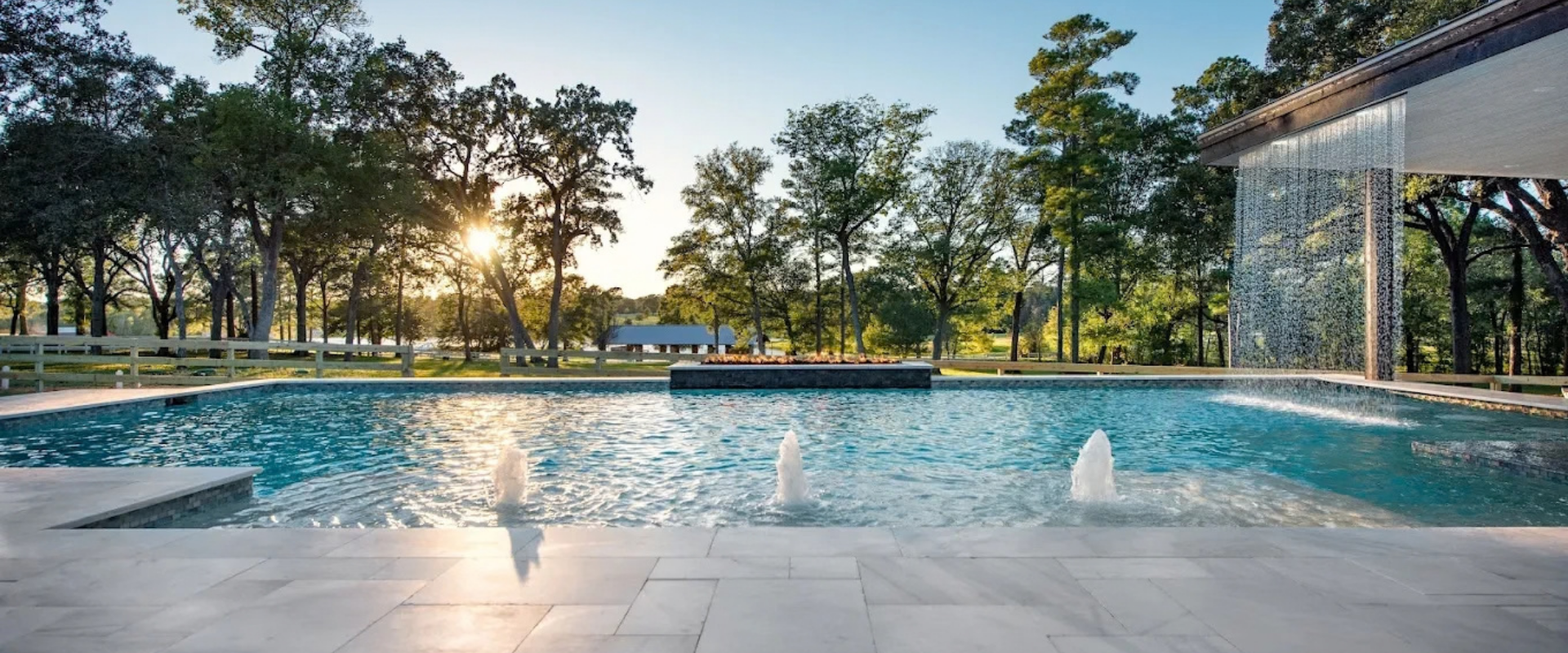
A geometric pool uses clean lines and classic angles. It is one of the two categories currently presented in the Subs For Pools design process and gives you a starting point for exploring the shapes available within that style.
The site describes the category simply: “Geometric — Clean lines, classic angles.” If that direction fits the look you have in mind, you can start with Geometric and then compare the 10 shapes shown for that selection.
From there, the design process moves into size and then features. This keeps the first decision focused on the overall shape instead of asking you to make every design choice at the same time.
Design Your Pool
What is a freeform pool?
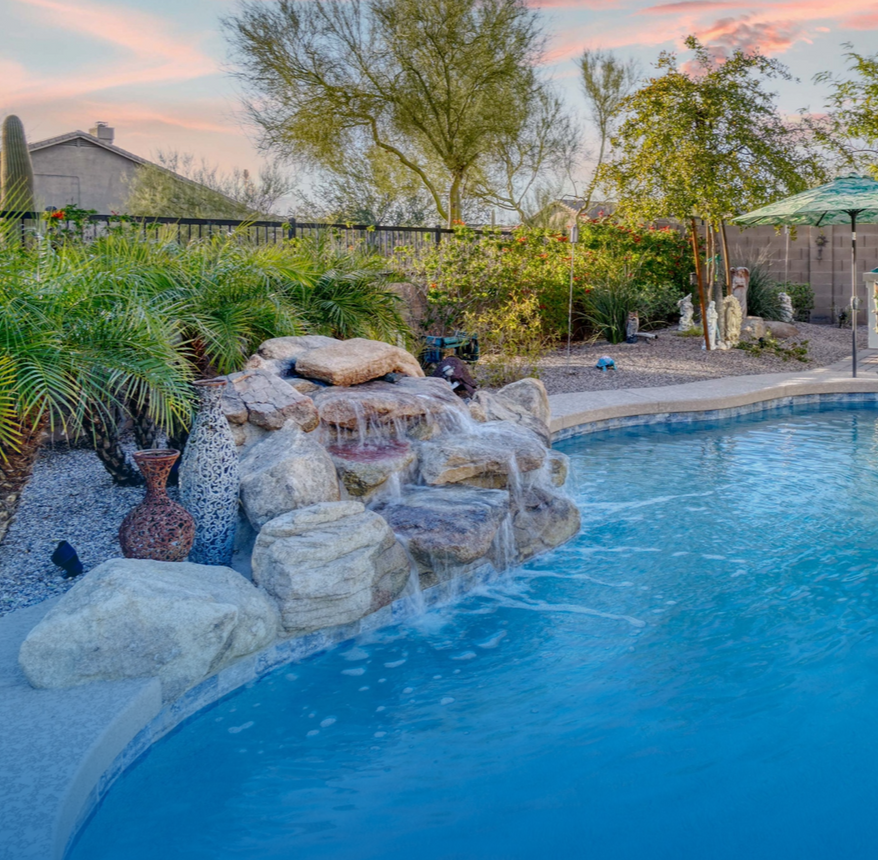
A freeform pool uses curves, flow and organic shapes. It is the other category currently shown in the Subs For Pools design tool and provides a different starting point for homeowners who prefer a design built around curved lines.
Subs For Pools describes the category as “Freeform — Curves, flow, organic shapes.” Once you select Freeform, you can review 10 different shapes within that category before choosing a size.
Neither category needs to be treated as the right answer for every yard. The design page keeps the choice personal: “Pick a style that fits your space and taste.”
How do you compare geometric vs freeform pool designs?
Start by deciding whether you prefer the clean lines and classic angles of a geometric pool or the curves and organic shapes of a freeform pool. Once you know which overall direction fits your space and taste, you can compare the individual shapes available within that category.
You are not limited to one Geometric design or one Freeform design. Subs For Pools shows 10 shapes after you choose a category, giving you multiple options before you move into the size-selection stage.
That makes the process easier to narrow down. Choose the general style first, then compare the shapes that fall within it rather than trying to settle the entire
custom pool design at once.
How does pool shape interact with your yard?
Pool shape is one of the first ways you begin matching the design to your available space. At Subs For Pools, we specifically tell
local homeowners to “Pick a style that fits your space and taste,” making the yard itself part of that first design decision.
You do not have to determine every measurement during Step 1. After choosing the category and shape, the next step provides five size options and additional information to help you compare them.
The design page provides details such as how much yard space a size typically requires, how many people it comfortably fits and what features are easiest to add at that size. This allows the shape and size decisions to work together as you narrow down the pool you want.
How does pool shape affect which features are easiest to add?
The pool category and shape establish the starting design, while the size-selection step provides information about which features are easiest to add at that size. After those decisions are made, the Subs For Pools process moves into features and upgrades.
Available
feature categories include spas, water features, outdoor living upgrades, interior finishes, tile selections and equipment packages. The design process is structured so those choices come after you establish the pool itself.
That sequence keeps the process manageable. You can choose the overall style first, find the shape you prefer, select the size and then begin deciding which additional features belong in the design.
What features can you consider after choosing your pool shape?
After choosing the category, shape and size, you can begin reviewing the available features for your pool. Subs For Pools presents options across spas, water features, outdoor living, finishes and equipment so you can continue building the design step by step.
Depending on the options presented through the design process, selections can include:
- Spa options
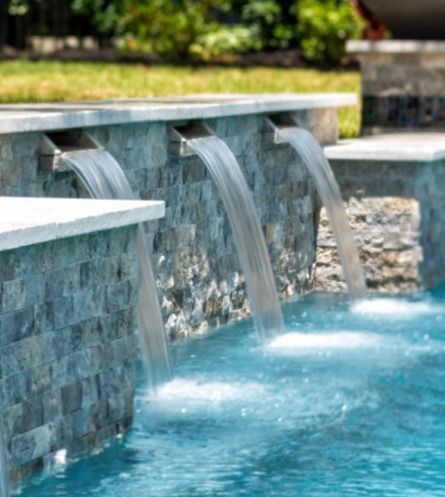
- Spillways
- Sheer descents
- Jets
- Bubblers
- Outdoor living features
- Fire features
- Lighting
- Interior finishes
- Equipment options
These decisions do not have to be made while you are still comparing Geometric and Freeform. Establishing the shape first gives you a clearer starting point for the choices that come later.
How do you know which pool shape fits your design?
The Subs For Pools process lets you compare multiple shapes before you move into the rest of the pool design. Start with Geometric or Freeform based on the lines and overall style you prefer, then review the 10 shapes available within that selection.
“Once you choose a category, you'll see 10 different shapes that match your selection.” That gives you more room to compare than choosing between only two finished pool designs.
After selecting the shape, you can continue into the five size options and then begin reviewing available features. Each step builds on the decision before it.
Can you compare pool designs before you commit?
Yes. The Subs For Pools design process lets you work through the pool category, shape, size and available features before deciding whether you want to continue. Your selections build into a more complete pool plan as you move through each step.
If you prefer clean lines and classic angles, begin with Geometric. If you prefer curves, flow and organic shapes, begin with Freeform. From there, compare the available shapes and continue building the pool around your space and taste.
You do not need to have every detail figured out before you start. Step 1 is simply about choosing the direction for the pool.
Start with Step 1 in the design tool.